

Author : PROGRESS
“`html
WhatsUp Gold Layer 2/3 Discovery: Unveiling Your Network’s Hidden Secrets
In today’s complex IT landscape, understanding your network is no longer a luxury—it’s a necessity. You need to know what’s connected, how it’s connected, and the dependencies between your devices. That’s where WhatsUp Gold’s Layer 2/3 Discovery comes in. This powerful feature provides a comprehensive view of your entire network infrastructure, ensuring you have the insights needed to maintain optimal performance and quickly resolve issues.
Introduction
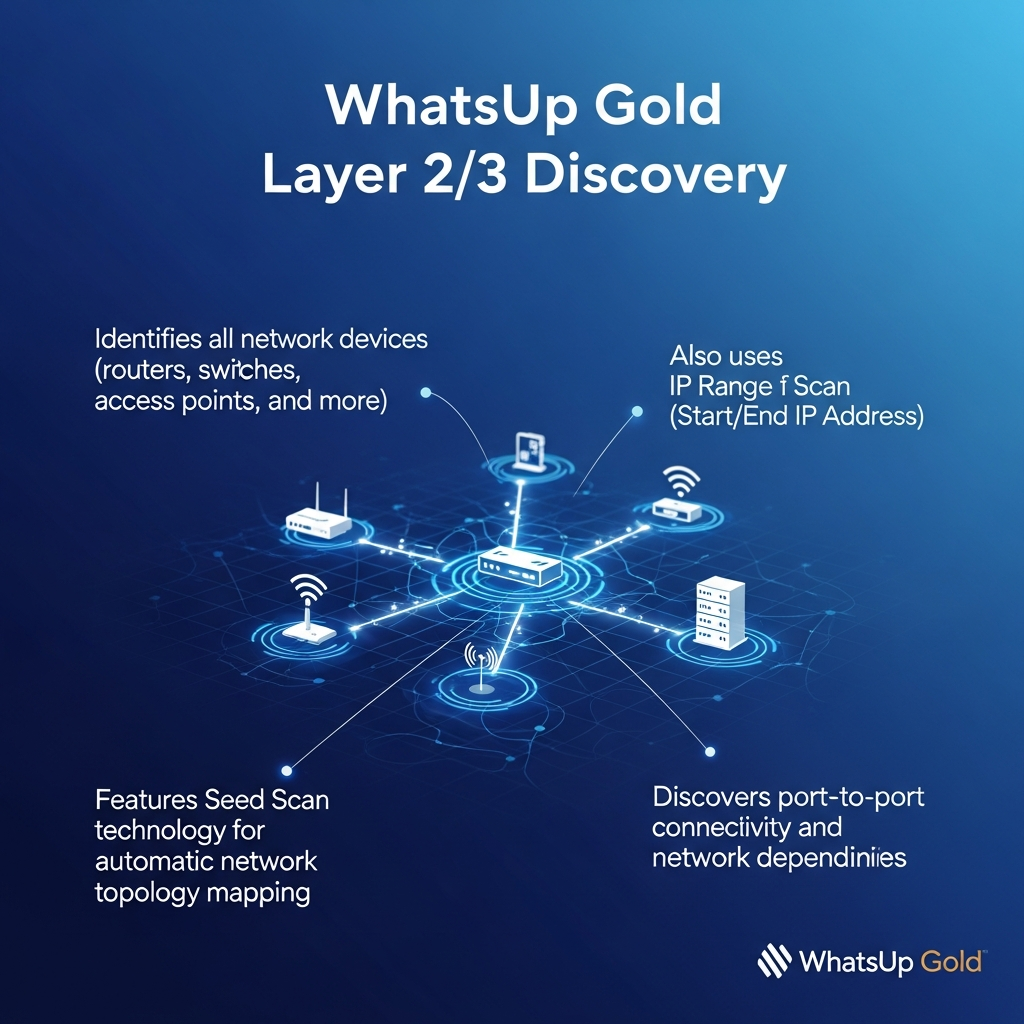
Imagine having a complete, up-to-date map of your network. WhatsUp Gold’s Layer 2/3 Discovery does just that. It automatically identifies and maps all your devices, including routers, switches, servers, access points, and more. This detailed visibility is crucial for effective network management, troubleshooting, and security.
WhatsUp Gold offers two primary methods for network discovery:
- Seed Scan Technology: This intelligent approach automatically learns your network topology, discovering devices and their interconnections by following the paths of network traffic.
- IP Range Scan: Alternatively, you can specify a range of IP addresses to scan, allowing you to discover devices within a defined scope. This is particularly useful for targeted discovery efforts.
Key Benefits of WhatsUp Gold Layer 2/3 Discovery
By leveraging WhatsUp Gold’s discovery capabilities, you gain several critical advantages:
- Complete Network Visibility: See every device, its properties, and its relationships, providing a comprehensive understanding of your network.
- Automated Network Mapping: Automatically generate and maintain accurate network maps, saving you valuable time and effort compared to manual mapping.
- Simplified Troubleshooting: Quickly identify the root cause of network issues by visualizing device dependencies and connectivity.
- Improved Security: Discover rogue devices and unauthorized connections, strengthening your network’s security posture.
- Efficient Resource Management: Gain insights into device utilization and performance, enabling you to optimize resource allocation.
How Layer 2/3 Discovery Works
WhatsUp Gold’s discovery process is designed to be efficient and user-friendly. Here’s a simplified overview:
- Initiate the Discovery: Choose either Seed Scan or IP Range Scan based on your needs.
- Scan and Identify Devices: WhatsUp Gold scans your network, identifying devices and gathering information about them.
- Map the Network: The software automatically creates a visual map, illustrating the connections between devices.
- Continuous Monitoring: WhatsUp Gold continuously monitors your network for changes, automatically updating the map as new devices are added or existing devices are modified.
Tips for Optimizing Your Discovery Process
To get the most out of WhatsUp Gold’s Layer 2/3 Discovery, consider these tips:
- Start with Seed Scan: Use Seed Scan to discover your entire network automatically.
- Define IP Ranges: If you have specific subnets or segments, use IP Range Scans to target those areas.
- Regularly Review Your Maps: Ensure the maps are accurate and reflect any recent network changes.
- Configure Credentials: Provide valid credentials to enable WhatsUp Gold to access and gather detailed information about your devices.
- Schedule Discoveries: Automate the discovery process by scheduling regular scans to keep your maps up-to-date.
Conclusion
WhatsUp Gold Layer 2/3 Discovery is an essential tool for any network administrator. By providing a comprehensive and automated view of your network, it empowers you to manage your infrastructure effectively, troubleshoot issues quickly, and ensure optimal performance. Take control of your network today and experience the benefits of complete visibility.
FAQ’s
Here are some frequently asked questions about WhatsUp Gold Layer 2/3 Discovery:
What types of devices can WhatsUp Gold discover?
WhatsUp Gold can discover a wide range of devices, including routers, switches, servers, workstations, printers, access points, and more.
How often should I run a network discovery?
It’s recommended to schedule regular network discoveries, such as daily or weekly, to ensure your network maps remain up-to-date. You should also run a discovery after making significant changes to your network.
Can I customize the network maps?
Yes, you can customize the network maps by adding device icons, annotations, and other information to suit your specific needs.
What happens if a device is not discovered?
If a device is not discovered, check your network configuration, ensure the device is powered on and reachable, and verify that the necessary credentials have been provided to WhatsUp Gold. You might need to adjust your scan settings or use the IP Range Scan to specifically target that device.
“`







