

Author : AEM
“`html
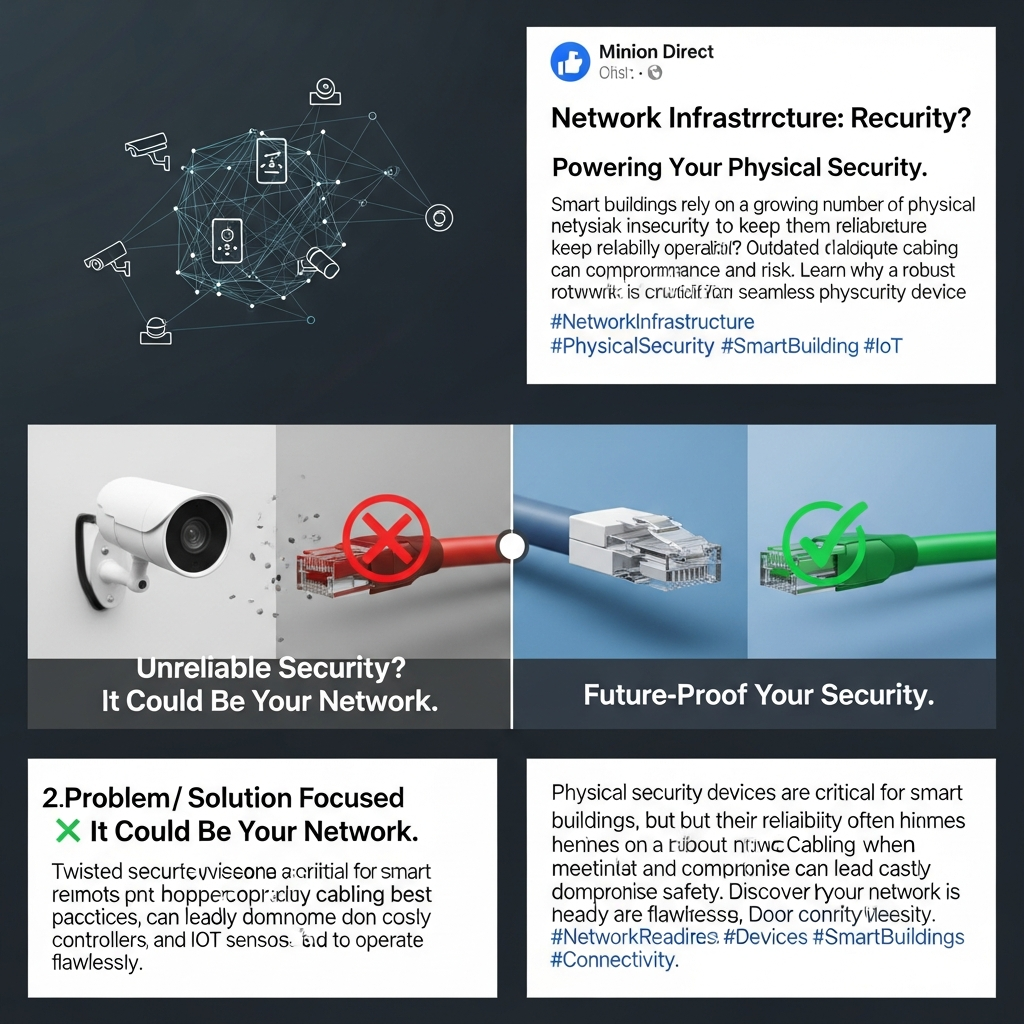
Network Infrastructure Readiness For Physical Security Devices
Summary
As physical security devices become integral to smart buildings, ensuring a robust and reliable network infrastructure is paramount. This guide explores the critical factors for network readiness, focusing on the challenges of incorporating devices like security cameras and access control systems. You’ll learn how to overcome potential issues with cabling, power, and overall network design to ensure your security devices operate flawlessly, keeping your building and its occupants safe.
Introduction
In today’s smart buildings, physical security devices are no longer optional; they’re essential. From security cameras and door controllers to physical safety IoT sensors, these devices provide critical protection. However, their effectiveness hinges on a strong, dependable network infrastructure. You might be surprised to learn that the very foundation supporting your security systems could be the weakest link.
A converged network infrastructure, where security devices connect to IP networks via wired Ethernet, offers significant advantages. It allows for centralized management, remote access, and seamless integration with other building systems. But, the transition to this infrastructure demands careful planning and execution.
The core challenge often lies with the existing or newly installed twisted pair copper cabling. This cabling, although seemingly simple, must meet best-practice guidelines to ensure optimal performance. Failing to do so can result in unreliable devices, lost data, and compromised security, ultimately defeating the purpose of your investment and potentially endangering building occupants.
Key Factors for Network Infrastructure Readiness
To ensure your network is ready for physical security devices, consider these crucial factors:
- Cabling Infrastructure: Twisted pair copper cabling, the workhorse of most networks, needs careful assessment.
- Power over Ethernet (PoE): Many security devices rely on PoE for power. You’ll need to ensure your switches and power supplies can meet the power demands of your devices.
- Network Design and Architecture: A well-designed network with sufficient bandwidth, VLAN segmentation, and Quality of Service (QoS) is crucial.
- Cybersecurity: Don’t overlook cybersecurity. Secure your network to protect sensitive data and prevent unauthorized access.
- Environmental Considerations: These devices are often deployed in harsh environments. Temperature, moisture, and physical protection of cabling are key considerations.
Addressing Common Challenges
Let’s dive deeper into some common challenges and how to address them:
Cabling Challenges
Existing cabling might not meet current standards. Here’s what you should do:
- Cable Quality: Ensure you use high-quality, certified cables (Cat5e or Cat6a recommended) designed for your environment.
- Cable Runs: Adhere to maximum cable length limitations (typically 100 meters/328 feet for Ethernet) and avoid excessive bends.
- Testing and Certification: Regularly test and certify your cabling to ensure it meets performance standards.
Power over Ethernet (PoE) Considerations
PoE simplifies installation, but you need to plan carefully:
- Power Budget: Calculate the power requirements of all your PoE devices and choose switches with adequate power budgets.
- PoE Standards: Understand the different PoE standards (802.3af, 802.3at, 802.3bt) and ensure compatibility.
- Redundancy: Consider redundant power supplies and backup power solutions to maintain operation during outages.
Network Design Best Practices
A well-designed network is fundamental:
- VLAN Segmentation: Segment your network with VLANs to isolate security traffic and improve security.
- Quality of Service (QoS): Prioritize security traffic with QoS to ensure smooth video streaming and reliable communication.
- Bandwidth Planning: Calculate bandwidth requirements based on the number of devices, video resolution, and data transmission needs.
Best Practices for a Secure and Reliable Network
Follow these best practices to ensure your network is secure and reliable:
- Regularly Update Firmware: Keep your network devices’ firmware updated to patch security vulnerabilities.
- Implement Strong Passwords: Use strong, unique passwords for all network devices and change them frequently.
- Monitor Your Network: Use network monitoring tools to detect anomalies and potential security breaches.
- Consider a Professional Assessment: Engage with a qualified network professional to assess your infrastructure and provide recommendations.
Conclusion
Investing in a robust network infrastructure is crucial for the effective operation of physical security devices. By addressing cabling challenges, planning for PoE, designing a secure network, and following best practices, you can create a reliable and secure environment for your building and its occupants. Don’t wait until a failure occurs; take proactive steps to ensure your network is ready.
Frequently Asked Questions (FAQ)
- What type of cabling is recommended for physical security devices?
Cat5e or Cat6a cabling, depending on your bandwidth requirements and environmental conditions.
- How far can I run Ethernet cable for security cameras?
Generally, the maximum distance is 100 meters (328 feet) for standard Ethernet.
- What is PoE, and why is it important?
PoE (Power over Ethernet) allows you to power devices like security cameras over the network cable, simplifying installation and reducing costs. It’s important for ease of deployment.
- How can I improve network security for my security devices?
Implement strong passwords, regularly update firmware, use VLAN segmentation, and monitor your network for suspicious activity.
- Should I hire a professional to assess my network?
Yes, a network professional can assess your infrastructure and provide tailored recommendations for optimal performance and security.
“`







