

Author : FORTINET
“`html
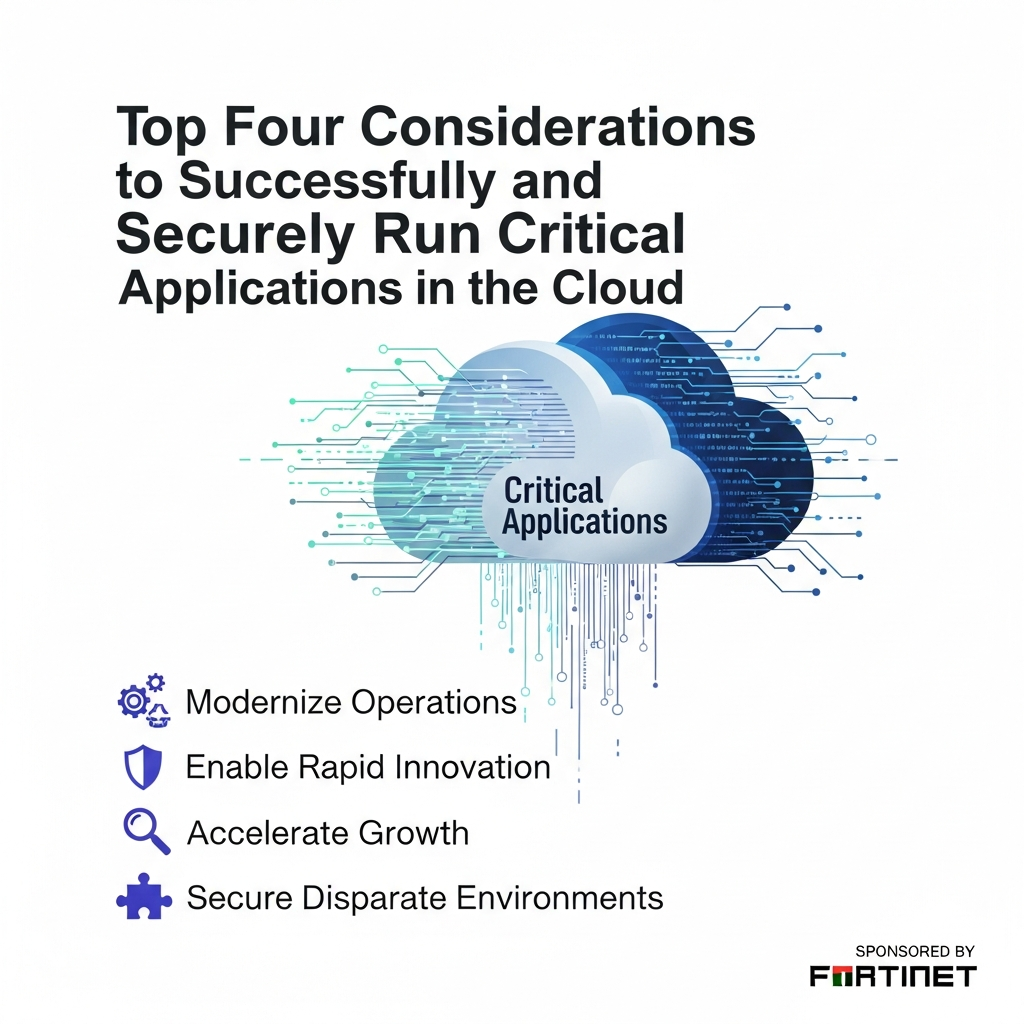
Top Four Considerations to Successfully and Securely Run Critical Applications in the Cloud
The cloud has revolutionized how organizations operate, fostering innovation and driving growth. As the 2022 Cloud Security Report highlights, a significant portion of enterprises have already embraced cloud environments, with the trend indicating an even greater shift toward cloud-based workloads. However, with this transition comes the critical need to prioritize security and ensure the seamless operation of your essential applications. In this guide, we’ll delve into the top four considerations to help you successfully and securely run your critical applications in the cloud.
Introduction
You’re likely already aware of the cloud’s numerous benefits, including scalability, cost-effectiveness, and enhanced agility. But as you move your critical applications to the cloud, you need to be prepared for the security challenges. Many organizations are finding that managing security across multiple cloud environments, each with its unique risk profile and limited remediation options, can quickly become complex. This is where a proactive, well-planned approach becomes essential.
The Top Four Considerations
Let’s explore the key factors you need to focus on to ensure the success and security of your cloud-based critical applications:
1. Robust Identity and Access Management (IAM)
IAM is the first line of defense in the cloud. It is critical for controlling who has access to your resources and what they can do with them. A strong IAM strategy minimizes the risk of unauthorized access and data breaches.
- Implement Multi-Factor Authentication (MFA): Always enable MFA for all user accounts, especially those with privileged access.
- Follow the Principle of Least Privilege: Grant users only the minimum necessary permissions to perform their tasks. Regularly review and update permissions.
- Utilize Role-Based Access Control (RBAC): Define roles that align with job functions and assign users to those roles. This simplifies access management and reduces errors.
- Regularly Audit Access: Monitor user access logs and audit permissions to detect and address any anomalies promptly.
2. Comprehensive Data Protection and Encryption
Data is your most valuable asset. Protecting it requires a multi-layered approach that includes encryption, data loss prevention, and robust backup and recovery strategies.
- Encrypt Data at Rest and in Transit: Use encryption to protect your data, whether it’s stored in the cloud or moving between locations.
- Implement Data Loss Prevention (DLP) Policies: Configure DLP policies to prevent sensitive data from leaving your environment, such as through unauthorized downloads or email attachments.
- Establish a Backup and Disaster Recovery Plan: Regularly back up your data and test your recovery procedures to ensure business continuity in case of an outage or disaster.
- Choose the Right Encryption Keys: Manage your encryption keys securely, either by using cloud-provided key management services or your own. Rotate your keys regularly.
3. Advanced Threat Detection and Prevention
The cloud environment presents unique threat vectors. Advanced threat detection and prevention measures are essential for identifying and mitigating potential attacks.
- Deploy Cloud-Native Security Tools: Utilize security tools provided by your cloud provider (e.g., AWS Security Hub, Azure Security Center, Google Cloud Security Command Center).
- Implement Intrusion Detection and Prevention Systems (IDPS): Monitor your network traffic for malicious activity and automatically block or alert on suspicious behavior.
- Use Security Information and Event Management (SIEM): Aggregate security data from multiple sources and use SIEM tools to analyze logs, detect threats, and orchestrate responses.
- Regularly Patch and Update Systems: Keep your operating systems, applications, and security tools up to date to address known vulnerabilities.
4. Continuous Monitoring and Compliance
Security is not a one-time setup; it is an ongoing process. Continuous monitoring, combined with adherence to relevant compliance standards, helps you maintain a strong security posture.
- Implement Continuous Monitoring: Monitor your cloud environment for security threats, performance issues, and compliance violations in real-time.
- Automate Security Assessments: Use automated tools to conduct regular security assessments, identify vulnerabilities, and ensure compliance with security standards.
- Adhere to Compliance Standards: Choose a compliance framework relevant to your business (e.g., HIPAA, PCI DSS, GDPR) and implement controls to meet its requirements.
- Regularly Review and Update Security Policies: Make sure your security policies are up-to-date and reflect the evolving threat landscape and your cloud environment.
Conclusion
Successfully and securely running critical applications in the cloud requires a proactive and comprehensive approach. By focusing on robust IAM, comprehensive data protection, advanced threat detection, and continuous monitoring, you can significantly reduce your risk exposure and achieve the full benefits of cloud adoption. Remember that security is an ongoing journey, and regular reviews, updates, and training are vital to maintaining a strong security posture.
FAQ’s
Here are some frequently asked questions about securing critical applications in the cloud:
Q: What is the difference between IAM and RBAC?
A: IAM (Identity and Access Management) is the overall framework for managing identities and access, while RBAC (Role-Based Access Control) is a specific implementation within IAM that assigns permissions based on user roles.
Q: Why is data encryption so important in the cloud?
A: Encryption protects your data from unauthorized access, both when it’s stored in the cloud (at rest) and when it’s being transmitted (in transit).
Q: How often should I back up my cloud data?
A: The frequency of backups depends on your recovery point objective (RPO) and recovery time objective (RTO). Consider backing up your critical data daily or more frequently.
Q: What compliance standards should I be aware of?
A: This depends on your industry and data. Common standards include HIPAA (healthcare), PCI DSS (payment card industry), and GDPR (general data protection regulation).
“`







