

Author : Paloaolto
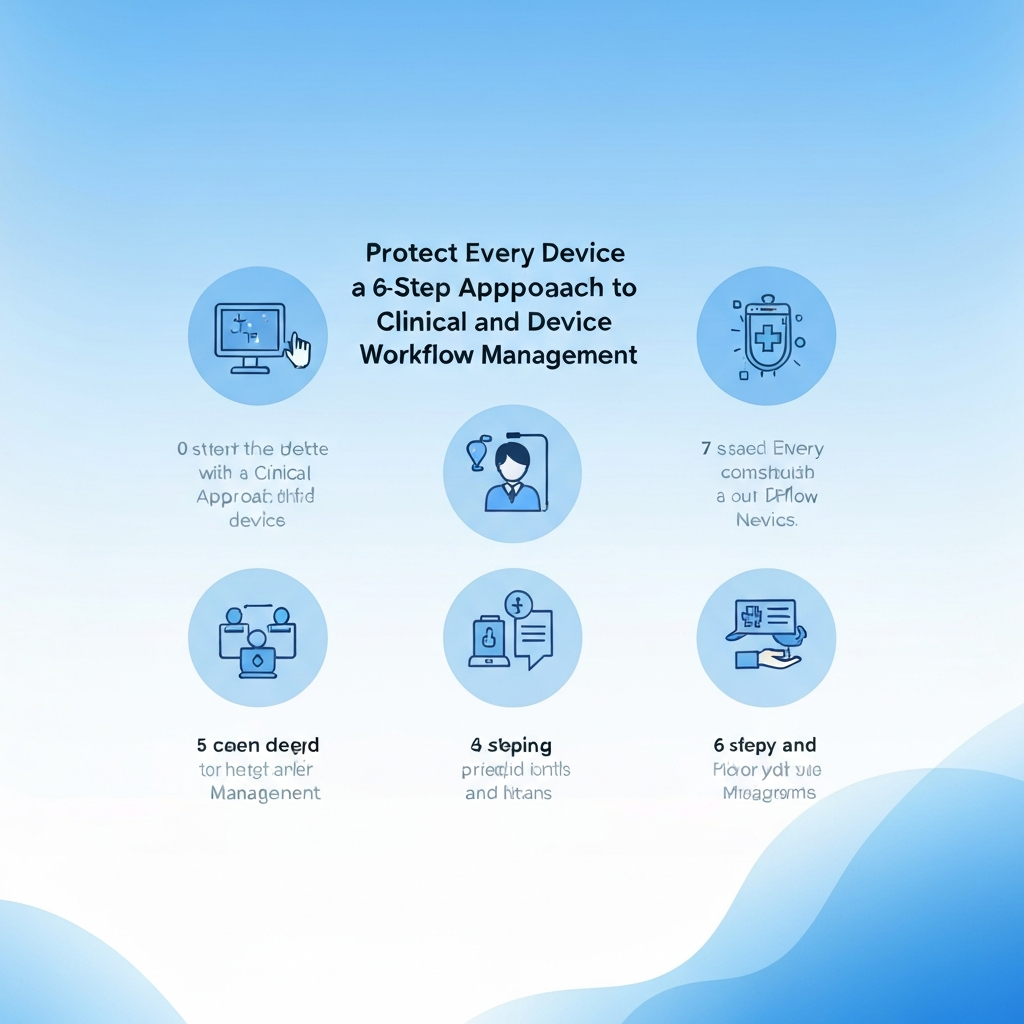
Protect Every Device with a 6-Step Approach to Clinical and Device Workflow Management
Summary
In today’s interconnected healthcare landscape, protecting medical devices and ensuring seamless clinical workflows is paramount. This guide outlines a 6-step approach to effectively manage and secure your devices, ensuring patient safety and operational efficiency. From risk assessment to continuous monitoring, you’ll learn how to safeguard your practice against cyber threats and operational disruptions. This is especially critical given the rapid rise of IoT devices in healthcare, driven by remote patient monitoring and other innovative technologies.
Introduction
The Internet of Things (IoT) is revolutionizing healthcare, with the demand for connected devices soaring, especially after the pandemic. Devices that support remote patient monitoring and contact tracing have become essential. But with this growth comes increased vulnerability. Your medical devices are potential entry points for cyberattacks and can disrupt critical clinical workflows. Implementing robust device and workflow management is no longer optional; it’s a necessity. This comprehensive guide provides a practical 6-step approach to fortify your defenses and streamline your operations.
The 6-Step Approach
Step 1: Conduct a Comprehensive Risk Assessment
Before implementing any security measures, you must understand your vulnerabilities. A thorough risk assessment is the first step. This involves identifying potential threats and evaluating the impact of a security breach.
- Identify Your Assets: List all connected devices, including their location, function, and sensitivity of the data they handle.
- Identify Threats and Vulnerabilities: Evaluate potential threats like malware, ransomware, and unauthorized access. Analyze vulnerabilities in your devices, network, and software.
- Assess the Impact: Determine the potential consequences of a security breach, including patient safety risks, financial losses, and reputational damage.
- Document Your Findings: Create a detailed report summarizing your risk assessment, including identified risks, potential impacts, and recommended mitigation strategies.
Step 2: Implement Robust Device Inventory and Management
You can’t protect what you don’t know. A detailed inventory of all devices is crucial. This includes hardware and software.
- Create a Detailed Inventory: Document each device, including its model, manufacturer, operating system, and installed applications.
- Establish a Device Tracking System: Use asset management software or a similar tool to track device location, status, and maintenance history.
- Standardize Configurations: Implement standard configurations for all devices to ensure consistency and simplify security updates.
Step 3: Secure Your Network and Data
Your network is the backbone of your device ecosystem, so securing it is critical.
- Network Segmentation: Segment your network to isolate medical devices from other network segments, reducing the attack surface.
- Implement Firewalls: Use firewalls to control network traffic and block unauthorized access.
- Data Encryption: Encrypt sensitive data both in transit and at rest to protect it from unauthorized access.
- Regularly Update Software: Keep all software and firmware updated to patch security vulnerabilities.
Step 4: Establish Strong Access Controls
Control who can access your devices and data.
- Implement Strong Passwords: Enforce strong, unique passwords for all devices and user accounts.
- Use Multi-Factor Authentication (MFA): Require MFA for all critical systems and devices.
- Role-Based Access Control (RBAC): Grant users access only to the resources they need to perform their jobs.
- Regularly Review and Revoke Access: Periodically review user access privileges and revoke access for users who no longer require it.
Step 5: Develop and Enforce Device Workflow Policies
Define clear policies and procedures for device usage and maintenance.
- Create Standard Operating Procedures (SOPs): Develop detailed SOPs for device setup, usage, maintenance, and disposal.
- Train Staff: Provide comprehensive training to all staff on device security and workflow policies.
- Monitor Device Usage: Regularly monitor device usage to identify any unusual activity or policy violations.
- Incident Response Plan: Develop an incident response plan to address security breaches and other incidents.
Step 6: Continuous Monitoring and Improvement
Security is not a one-time effort. Continuous monitoring and improvement are essential.
- Implement Security Monitoring Tools: Use security information and event management (SIEM) systems and other monitoring tools to detect and respond to security threats in real time.
- Regular Security Audits: Conduct regular security audits to assess the effectiveness of your security measures.
- Vulnerability Scanning: Regularly scan your devices and network for vulnerabilities.
- Stay Updated: Stay informed about the latest security threats and best practices.
Conclusion
Protecting every device with a 6-step approach to clinical and device workflow management is essential for a secure and efficient healthcare environment. By implementing these strategies, you can minimize risks, protect patient data, and ensure operational continuity. As the healthcare landscape continues to evolve with the rapid adoption of IoT devices, it’s vital to stay proactive and adaptable in your approach to device security and workflow management. Your commitment to these steps will not only protect your devices but also foster a culture of security and trust, which is fundamental to quality patient care.
Frequently Asked Questions (FAQ)
“`







