Author : REDHAT
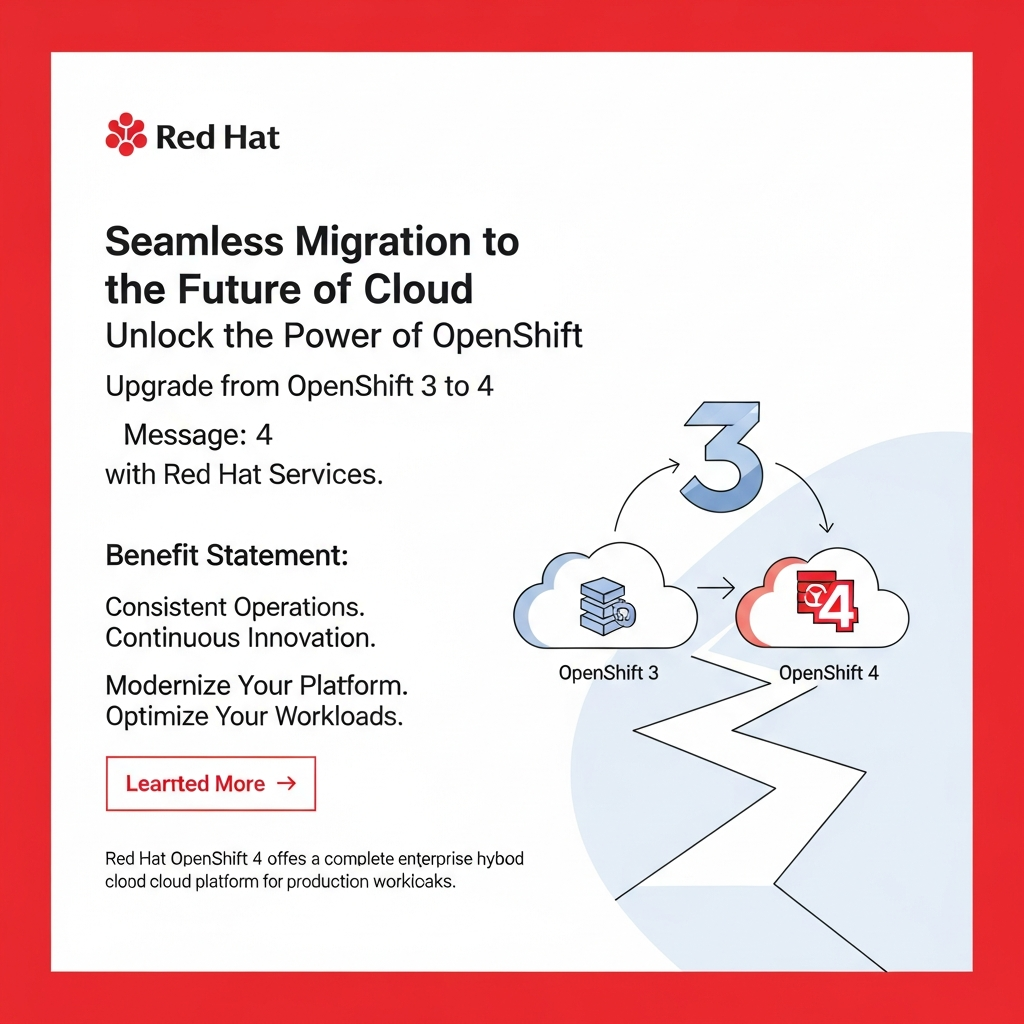
Red Hat Services solution: Red Hat OpenShift 3 to 4 Migration
Summary
Migrating from Red Hat OpenShift 3 to OpenShift 4 is a significant undertaking, but it’s crucial for staying current with the latest features, security updates, and performance enhancements. This guide provides a comprehensive overview of the migration process, the benefits you’ll gain, and the key considerations to ensure a smooth transition. We’ll explore the planning stages, the actual migration steps, and the crucial post-migration activities, equipping you with the knowledge to confidently upgrade your OpenShift environment.
Introduction
Are you running on Red Hat OpenShift 3 and considering a move to OpenShift 4? You’re not alone. The cloud-native landscape is constantly evolving, and OpenShift 4 offers a modern, streamlined platform to help you stay ahead. With OpenShift 4, you gain access to a Kubernetes-based platform that is easier to manage, more secure, and delivers enhanced performance. This is the future of application development and deployment, and this guide will show you how to get there.
Red Hat OpenShift is a complete enterprise hybrid cloud platform on which to build and run production workloads. OpenShift 4 provides a single platform that allows consistent operation and continuous application innovation. OpenShift 4 offers significant advantages over OpenShift 3, including:
- Simplified Operations: Automated updates and operator-based management.
- Enhanced Security: Improved security features and a more secure platform.
- Improved Performance: Optimized for modern workloads and infrastructure.
- Latest Kubernetes Version: Leverage the latest Kubernetes features.
Planning Your Migration
Before you begin the migration, thorough planning is essential. This stage will significantly impact the smoothness of your transition. Consider these key factors:
- Assess Your Current Environment:
- Take inventory of your applications, dependencies, and configurations.
- Identify any custom integrations or unique requirements.
- Document your current OpenShift 3 cluster’s architecture.
- Compatibility Checks:
- Ensure your applications and infrastructure are compatible with OpenShift 4.
- Review the OpenShift 4 compatibility matrix for supported versions of your dependencies.
- Identify any required code changes or updates.
- Create a Migration Plan:
- Develop a detailed migration strategy, including a timeline and rollback plan.
- Determine the migration method that best suits your needs (in-place or side-by-side).
- Define roles and responsibilities for each team member.
- Testing and Validation:
- Set up a test environment that mirrors your production environment.
- Test your applications in the OpenShift 4 environment to validate functionality and performance.
- Address any issues or discrepancies discovered during testing.
Executing the Migration
Once your planning is complete, it’s time to execute your migration strategy. There are different approaches you can take, here are the general steps:
- Backup Your Data: Create backups of your OpenShift 3 cluster data, including application configurations, persistent volumes, and other critical information.
- Prepare Your OpenShift 4 Cluster: Install and configure your new OpenShift 4 cluster according to your chosen architecture.
- Choose a Migration Method:
- In-place migration: This method upgrades your existing OpenShift 3 cluster to OpenShift 4. It can be simpler but carries more risk.
- Side-by-side migration: This involves creating a new OpenShift 4 cluster and migrating your applications and data. This is typically a safer approach, allowing you to validate everything before fully switching over.
- Migrate Applications: Deploy your applications to the OpenShift 4 cluster, updating configurations as needed.
- Data Migration: If necessary, migrate your data from the OpenShift 3 persistent volumes to the OpenShift 4 storage.
- Testing and Validation in OpenShift 4: Thoroughly test all applications and functionalities in the new environment before going live.
- Cutover: Once you’re confident everything is working correctly, redirect traffic to the OpenShift 4 cluster and decommission the OpenShift 3 cluster.
Post-Migration Activities
Your work doesn’t end after the migration. Following the migration, consider these important steps:
- Monitor Your Environment: Continuously monitor your OpenShift 4 cluster for performance issues, security vulnerabilities, and other potential problems.
- Optimize Your Applications: Review and optimize your applications to take advantage of the new features and improvements in OpenShift 4.
- Update and Patch Regularly: Keep your OpenShift 4 cluster updated with the latest security patches and feature releases.
- Document Your Changes: Update your documentation to reflect the new OpenShift 4 environment.
- Train Your Team: Ensure your team is properly trained to manage and operate the OpenShift 4 cluster.
Conclusion
Migrating from OpenShift 3 to OpenShift 4 is a significant step towards modernizing your application platform. By following this guide, you can successfully plan and execute your migration, ensuring a smooth transition and taking full advantage of the enhanced features and capabilities of OpenShift 4. Remember to prioritize thorough planning, testing, and validation, and don’t hesitate to seek assistance from Red Hat Services for expert guidance throughout the process. Embrace the future of cloud-native application development, and unlock the full potential of your applications.
Frequently Asked Questions (FAQ)
What are the key benefits of migrating to OpenShift 4?
OpenShift 4 offers simplified operations, enhanced security, improved performance, and access to the latest Kubernetes features, making it a more modern and robust platform.
What are the two main migration methods?
The two main migration methods are in-place migration (upgrading the existing cluster) and side-by-side migration (creating a new cluster and migrating applications). Side-by-side migration is generally recommended for its safety.
How long does a migration typically take?
The migration timeline varies depending on the size and complexity of your environment. Planning, testing, and validation can take considerable time. Consult with Red Hat Services for tailored timelines.
What support is available from Red Hat?
Red Hat offers comprehensive support, including consulting services, migration assistance, and training. Leverage these resources to ensure a successful migration.
What are the most common challenges during migration?
Common challenges include application compatibility issues, data migration complexities, and ensuring minimal downtime. Proper planning and testing are crucial to mitigate these risks.
“`