Author : TRENDMICRO
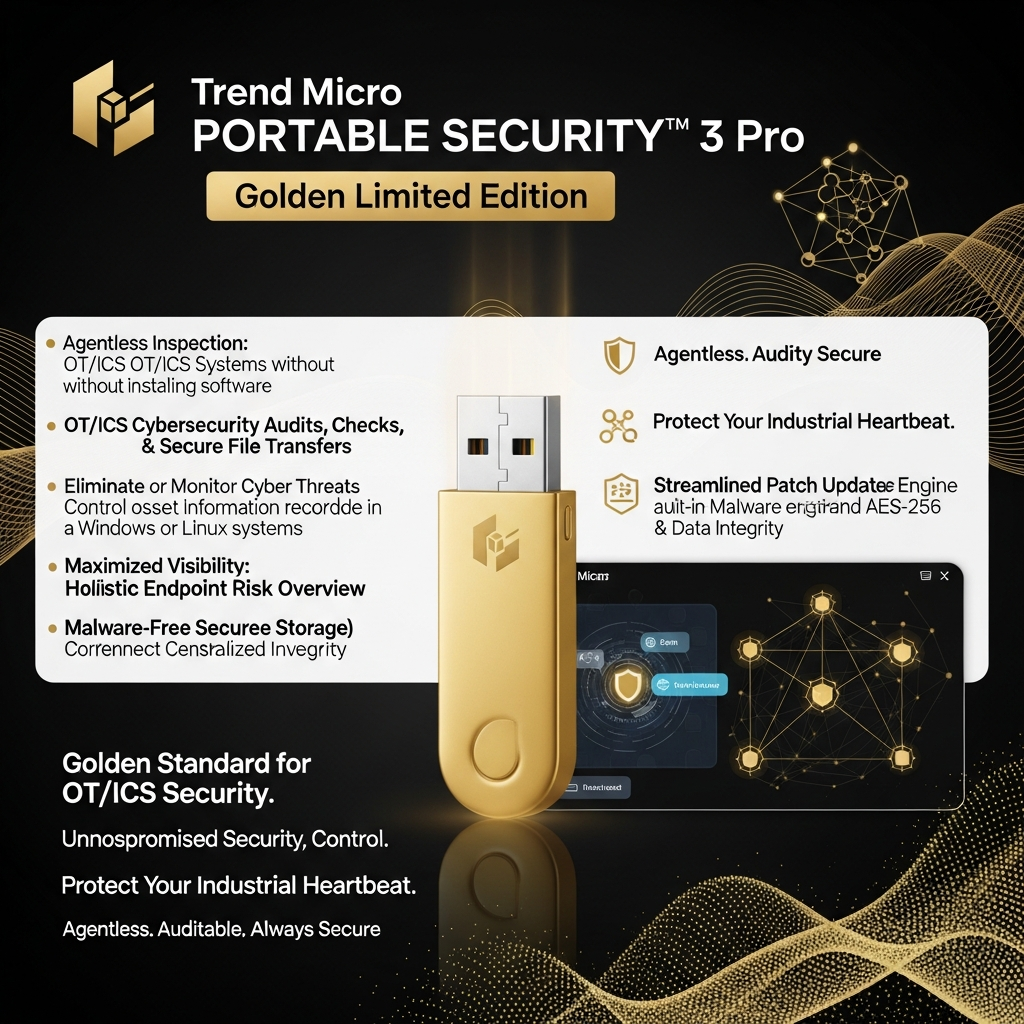
Trend Micro Portable Security™ 3 Pro Golden Limited Edition: Your OT/ICS Cybersecurity Powerhouse
In the ever-evolving landscape of cybersecurity, particularly within Operational Technology (OT) and Industrial Control Systems (ICS), maintaining the integrity and security of your systems is paramount. You need solutions that are both powerful and adaptable. That’s where Trend Micro Portable Security™ 3 Pro Golden Limited Edition comes in. This isn’t just a security tool; it’s your portable guardian, designed to provide comprehensive protection without the need for software installation. Let’s dive in and explore how this unique solution can fortify your defenses.
Introduction
Trend Micro Portable Security™ 3 Pro Golden Limited Edition is an agentless inspection tool meticulously crafted for OT/ICS cybersecurity audits, checks, and secure file transfers. It empowers you to proactively eliminate or monitor cyber threats on Windows and Linux systems without the complexities of traditional software installations. This portable powerhouse provides a streamlined approach to cybersecurity, offering a blend of robust protection and unparalleled convenience.
Key Features and Benefits
Here’s what makes Trend Micro Portable Security™ 3 Pro Golden Limited Edition stand out:
- Agentless Inspection: No software installation is required, reducing compatibility issues and minimizing disruption to your operations.
- Comprehensive Audits: Conduct thorough cybersecurity audits to identify vulnerabilities and ensure compliance.
- Secure File Transfers: Safely transfer files with built-in anti-malware scanning and AES-256 encryption.
- Malware-Free Secure Storage: All files stored are scanned and encrypted, ensuring data integrity.
- Centralized Inventory: Maximize visibility by recording detailed asset information in a centralized inventory.
- Holistic Risk Overview: Gain a comprehensive view of endpoint risk status through the companion Management Program.
- Scheduled Patch Updates: Streamline and secure your patch update process.
How Trend Micro Portable Security™ 3 Pro Works
The beauty of Trend Micro Portable Security™ 3 Pro lies in its simplicity and effectiveness. You can use it in the following manner:
- Connect: Simply plug the device into your target system.
- Scan: Initiate a scan to detect and remove malware, identify vulnerabilities, and assess system health.
- Transfer Securely: Utilize the secure storage feature to transfer files safely, knowing they are protected by real-time scanning and encryption.
- Review & Report: Review detailed reports generated by the tool to understand your security posture.
Tips for Maximizing the Effectiveness
To get the most out of Trend Micro Portable Security™ 3 Pro Golden Limited Edition, consider these tips:
- Regular Audits: Schedule regular audits to proactively identify and address potential threats.
- Keep Updated: Ensure that the tool is updated with the latest threat definitions.
- Secure Storage Best Practices: Always use the secure storage feature for transferring sensitive files.
- Integrate with Management Program: Leverage the companion Management Program for a centralized view of your endpoint risk.
- Educate Your Team: Train your team on best practices for using the tool and recognizing potential threats.
Summary
Trend Micro Portable Security™ 3 Pro Golden Limited Edition offers a powerful, agentless solution for OT/ICS cybersecurity. It combines ease of use, comprehensive scanning capabilities, and secure file transfer features to provide a robust defense against cyber threats. By embracing this tool, you’re not just securing your systems; you’re gaining peace of mind.
Conclusion
In conclusion, Trend Micro Portable Security™ 3 Pro Golden Limited Edition is an indispensable asset for any organization seeking to strengthen its OT/ICS cybersecurity posture. Its unique blend of features, ease of use, and portability makes it an ideal choice for audits, checks, and secure file transfers. Take control of your security today and experience the difference.
Frequently Asked Questions (FAQ)
“`